What impact can CRM automation have on your sales performance?
Every minute your team spends on mundane tasks, they’re missing out on an opportunity to retain and source new clients. With the right customizable CRM software, you can set up an automated sales workflow, allowing more time for tasks that move the needle.
Here, we show you everyday sales tasks that can be automated using sales CRM solutions. You may be surprised by how many tasks can be removed from your to-do list.
Why Do You Need Sales CRM Automation?
There are so many tasks to do in so little time—and in sales, time is money.
Leave the administrative work to your CRM, and in return, get the following benefits:
- Sales automation handles bulk tasks and frees up time from mundane work.
- With an automated sales workflow, you ensure no sales steps are overlooked, maintaining consistency and data integrity.
- Setting automated email responses enables you to handle a high volume of customer interactions without sacrificing quality or responsiveness.
- Prioritize tasks by setting predefined criteria in your CRM task management solution and focus on those when you start the day to gain maximum productivity.
- Customizable CRM software lets you personalize and automate sales processes and enhances customer experience, ensuring they receive timely communication tailored to their needs.
12 Sales Tasks You Can Automate with Customizable CRM Software
With the right CRM system, you can automate tasks to produce the same high-quality outcome as when you do them manually. Look at the list below to give you some ideas:
Follow-Up Emails
Many leads show interest in your product but aren’t ready to purchase.
In this situation, timely follow-ups can nudge and convert them to paying customers.
If your CRM software supports an email drip campaign feature, you can present follow-up workflows that will be automatically activated once the lead is added to the sales pipeline. For example, you can send a personalized invitation for a demo, a follow-up email after a week of no response, or share your most popular white paper. These will help you nurture them while you close another deal.
Pro tip: Leverage CRM AI writing assistant to help you craft compelling emails. Learn more about writing sales emails with AI here.
Appointment Scheduling and Reminders
Missing appointments can cost you valuable prospects and make you look unprofessional. To prevent this from happening, connect your calendar app to your CRM system to automatically get a pop-up window that reminds you of upcoming appointments. For example, sync your Google Contacts and Calendar with Pipeline.
Lead Scoring
Accurate lead scoring allows you to use your time efficiently. By doing this, you’ll only spend time building relationships with prospects who are likely to convert.
Customizable CRM software like Pipeline CRM offers robust lead management features where you can track the progress of each lead and prioritize them accordingly.
Related: Turning down poor-quality leads isn’t a crime. Learn how to measure lead quality properly in this guide.
Lead Segmentation and Follow-Up Tasks
The key to effective sales management lies in proper task prioritization.
Sales CRM solutions help manage your daily tasks by automatically segmenting leads according to their position in the pipeline and assigning the right sales rep for each task. The CRM system will segment leads into lists like Leads No One Has Contacted in 7 Days, Deals Expected to Close This Week, or Deals Closing With No Next Task Set. You can also delegate tasks in the pipeline and track your sales team’s potential.
Valuable Content Delivery
Sales enablement content can be an excellent tool for lead nurturing.
You can establish your brand as the thought leader in your niche and pose your product as the best solution to tackle the industry challenges. Achieve this by sending marketing materials that solve prospect’s pain points. This can be in blogs, e-books, recorded webinars, and other informative content to engage them further.
Promote Referral Programs
The power of word-of-mouth is a strong driver to generate new leads. You can leverage your positive relationships with your existing customers and turn them into brand ambassadors. Set up a reminder to introduce a referral program to customers who have been doing business with you for, e.g., two years. At this point, they know your brand inside and out and have enough experience to vouch for your products.
Ask for Product Reviews and Testimonials
According to the Local Consumer Review Survey 2023, 98% of people read online reviews for local businesses. So, collecting reviews and testimonials can help establish your business credibility and increase sales. Set your sales CRM solution to send automated review and testimonial requests to customers with specific milestones.
Payment Reminders and Collections
Reminding clients of their due invoices isn’t enjoyable. Avoid this by leveraging your customizable CRM software to add a “Pay Now” button to your digital invoice. You can also build payment reminders according to time and action-based triggers.
Leverage CRM & Sales Automation For Better Productivity
From automating follow-ups to setting action-based workflows, CRM software helps you to be more productive in tackling daily sales challenges. With the right sales CRM solution, you won’t need to worry about missing out on promising prospects or spending time on leads that aren’t likely to convert. You can simply automate mundane sales tasks and give your sales team more time to engage with promising leads.
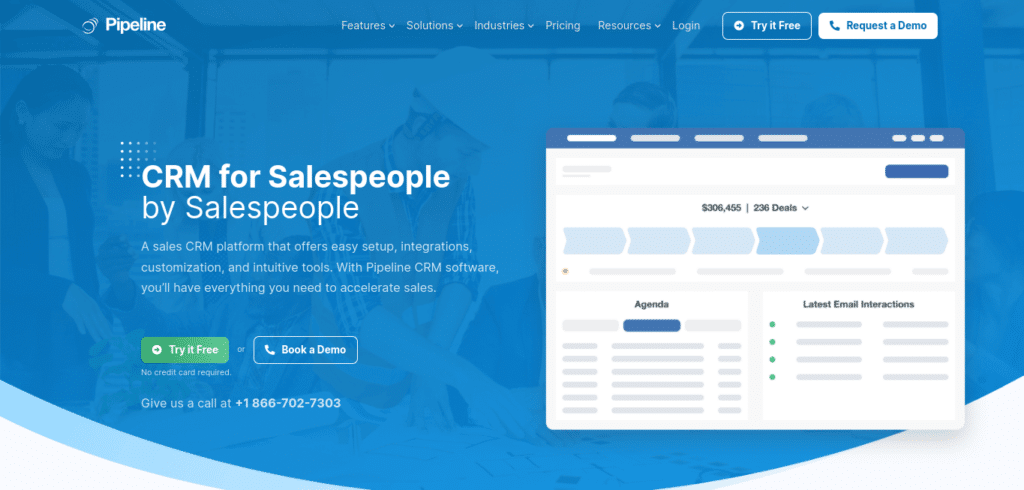
With Pipeline CRM, you can tailor your sales workflow to match your business’s needs, including automating email marketing, setting predefined sales tasks, and tracking leads progress across the sales pipeline. Try Pipeline CRM and get a 14-day free trial!
CRM & Sales Automation Guides
- Automate Follow Up Emails
- Automate Demo and Trial Requests
- Automate Sales Introduction Emails
- Automatically Reconnect With Cold Prospects