
Sales CRM features for pipeline management
Pipeline CRM is built around one thing: a sales pipeline your team will actually keep up to date. Everything below either moves a deal through that pipeline or tells you what is happening inside it.
✓ No credit card required ✓ 14-day free trial ✓ Cancel anytime
At a Glance
Pipeline CRM is a sales CRM for small and mid-size B2B teams, built around visual pipeline management: deals move through stages you define on a drag-and-drop board, with unlimited custom fields on every record and reporting that forecasts by stage. CRM pipeline management means tracking each open opportunity through the defined stages of your sales process so you can see what is live, what has stalled and what is likely to close, which is the job this feature set exists to do. Alongside the pipeline itself, Pipeline CRM includes email integration and campaigns, an AI email assistant, document generation and e-signature, lead forms, mobile apps with a business card scanner, automations, reporting, and a native QuickBooks Online integration. Data Enrichment and Email Validation are premium add-ons rather than plan features. Pricing starts at $25 per user per month (billed annually) with US-based live chat support and a 14-day free trial, and Pipeline CRM was named Highest User Adoption by G2 for both enterprise and SMB.
Every feature, grouped by the job it does
Grouped by what the feature is for rather than by module name, because most teams arrive looking for an outcome (get quotes out faster, stop deals going quiet, work from the truck) rather than a feature list. Each page explains what the feature does, which plan it is on, and where it stops.
Pipeline and reporting
The core of the product: the board deals move across, the stages you define, and the reports that tell you whether the quarter is real.
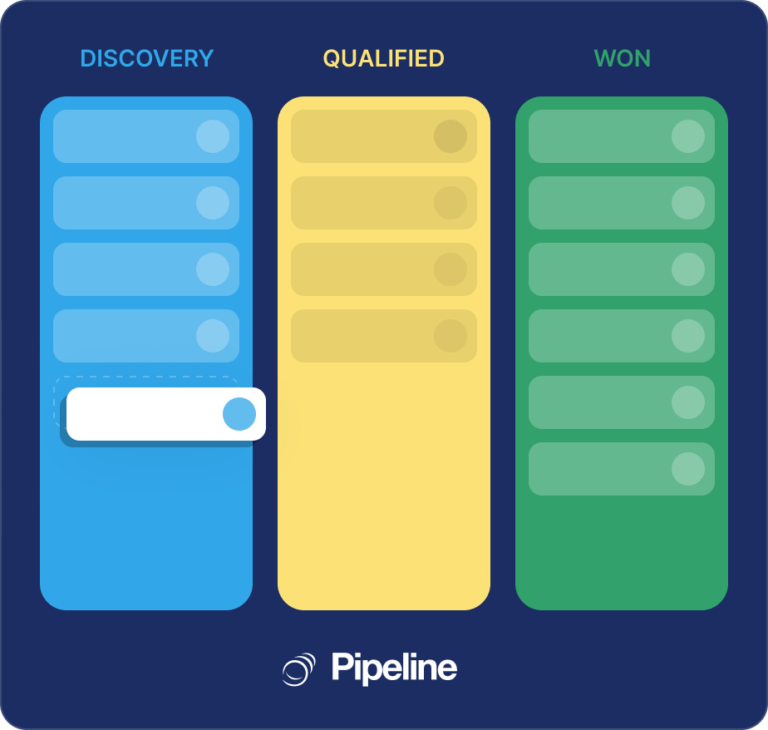
Kanban pipeline board
Drag and drop deals through stages on a visual board, with deal value and next step visible on every card.
see the visual pipeline board
Custom pipelines and fields
Define your own pipeline stages and add unlimited custom fields, so the CRM matches how your team already sells instead of the reverse.
customise pipeline stages and fields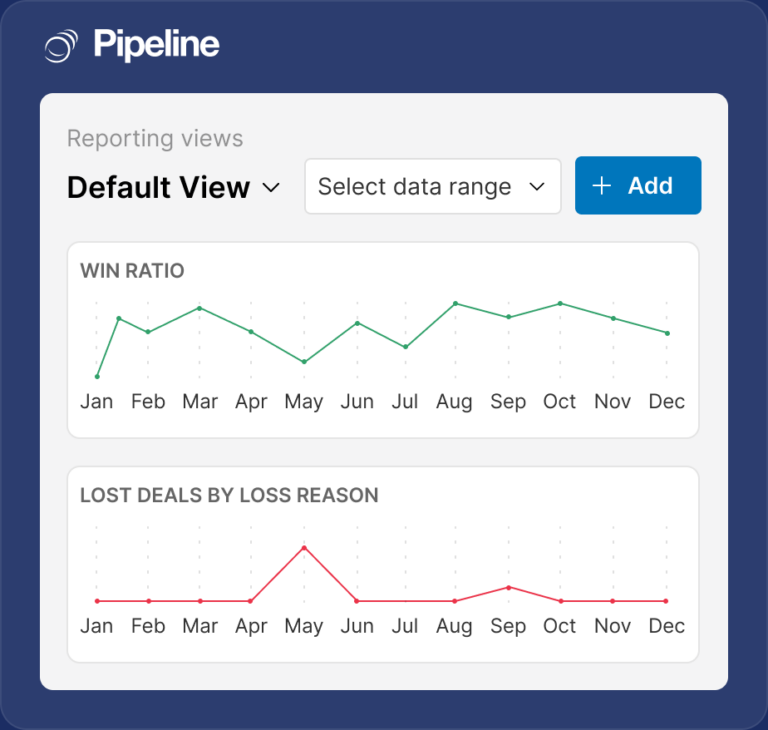
Reporting and forecasting
Forecast by stage with weighted deal values, and report on win rate, sales activity and every deal that has gone quiet.
explore reporting and forecasting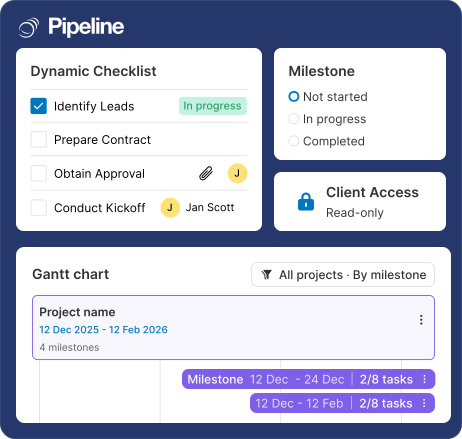
Project management
Track delivery after the deal is won, with tasks and stages for the work itself. Available on the Grow plan and up.
see project management features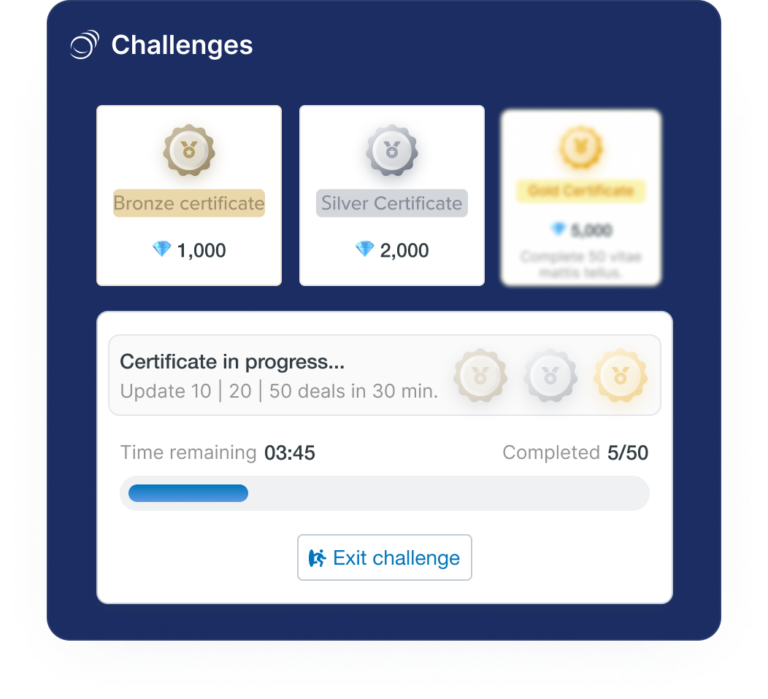
Challenges
Run friendly sales competitions with leaderboards and rewards to spark healthy competition across the team.
read about sales ChallengesEmail and communication
Calls and messages, logged against the right record, and making sure email reaches a real inbox.

Pipeline Phone
Make and take calls inside Pipeline CRM. Every call is logged on the record with its recording and transcript, and there is no per-user fee.
see how Pipeline Phone works
Email integration
Connect Gmail or Outlook so every customer email is logged against the right contact and deal automatically, with tracking and templates.
connect Gmail and Outlook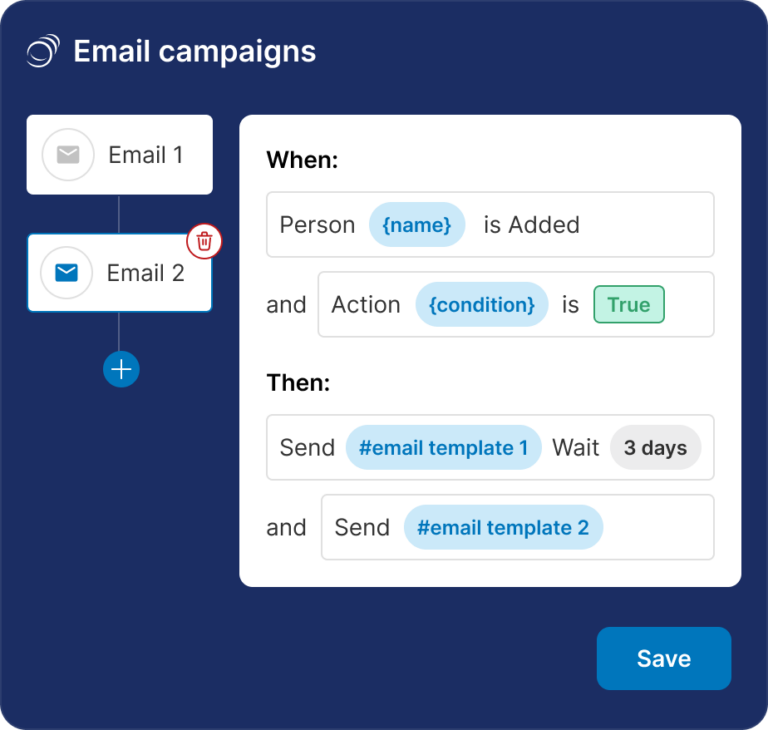
Automated email campaigns
Send sequenced campaigns to a filtered list from inside the CRM, with engagement flowing back onto the contact record.
set up automated email campaigns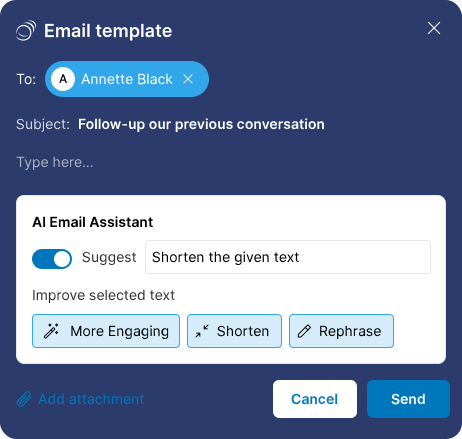
AI email assistant
Draft and rewrite sales emails in context, using the deal and contact detail already on the record rather than a blank page.
try the AI email assistant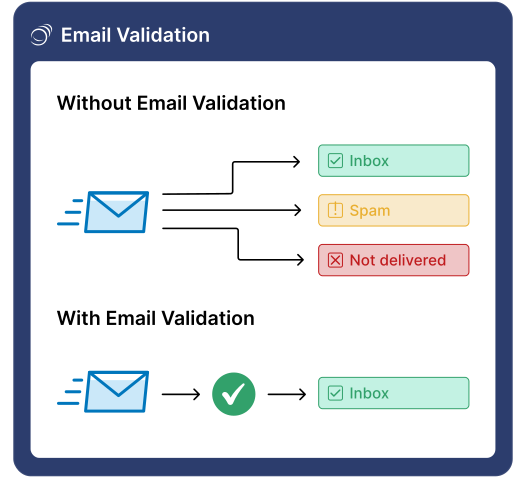
Email validation
Catch fake or mistyped addresses in real time before they damage your sending reputation. A premium add-on rather than a plan feature.
read about real-time email validationDocuments, signatures and forms
Turning a conversation into paperwork a customer can sign, and capturing new enquiries without a developer.
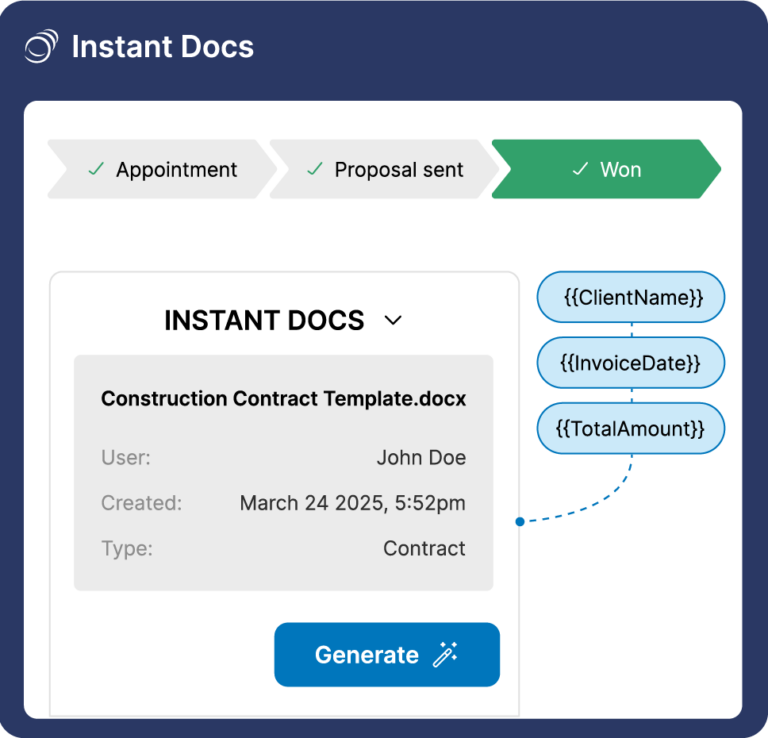
Instant Docs
Generate proposals, contracts and agreements from your own Word templates, with customer and deal details merged in automatically.
generate documents with Instant Docs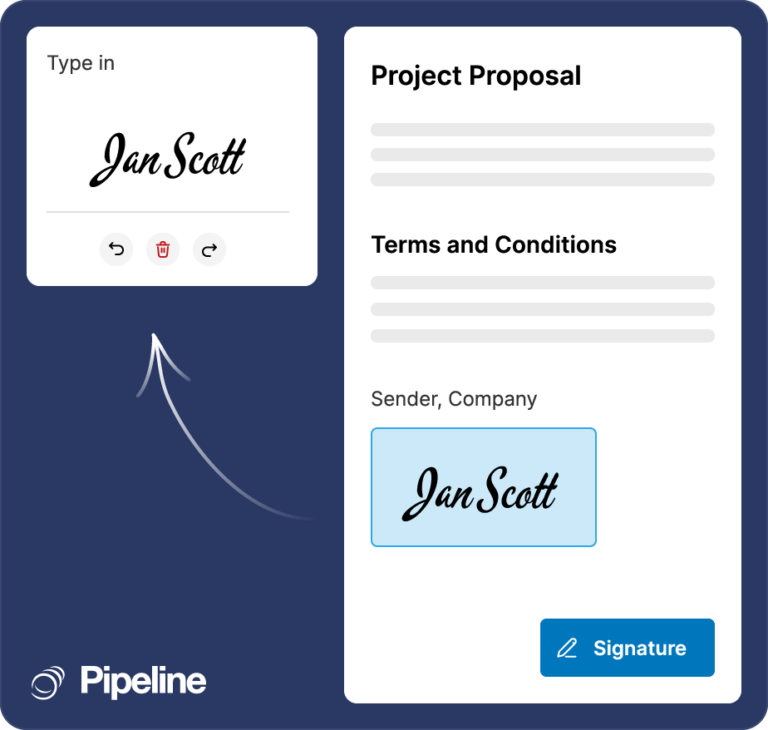
eSignature
Send a document for signature and track its status from the deal record, so closing does not need a second appointment.
send documents for eSignature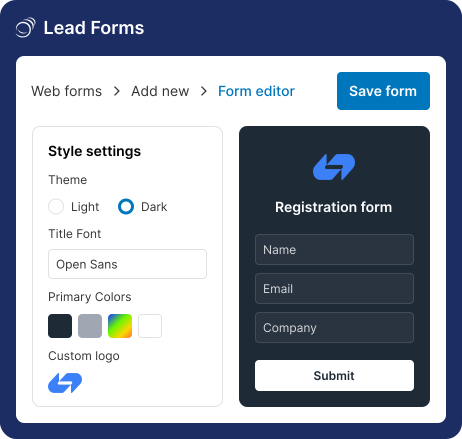
Lead forms
Build forms with custom fields that sync straight into the CRM and populate a deal automatically, using a link or embed code with no coding.
build CRM lead forms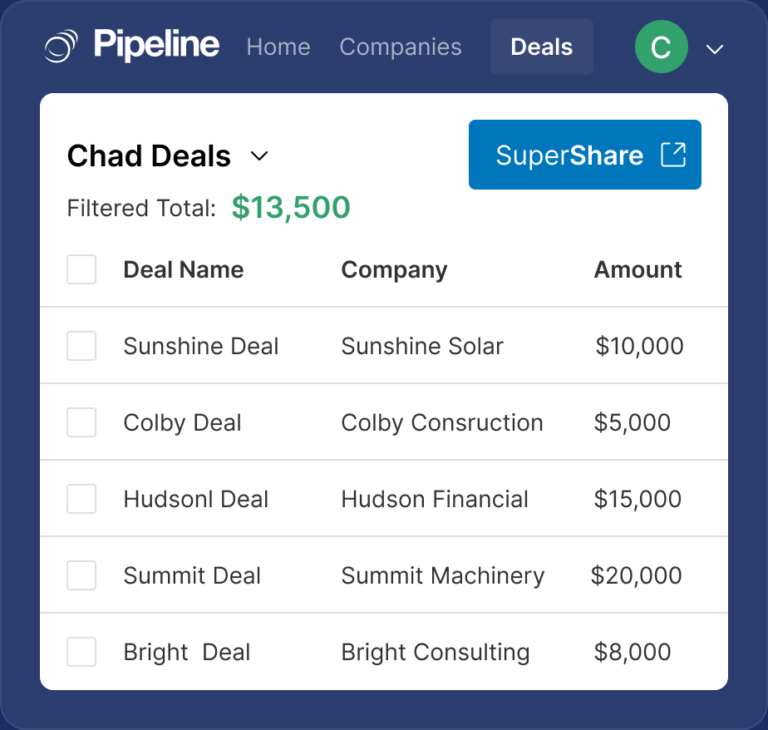
SuperShare
Share and collaborate on pipeline data with people outside your company, securely, without giving them a CRM seat.
share pipeline data with SuperShareField sales and data quality
For teams whose selling happens away from a desk, and for keeping the records they rely on complete.

Mobile CRM
Native iOS and Android apps with a business card scanner, included on every plan, so a visit gets logged before the drive home.
explore the mobile CRM apps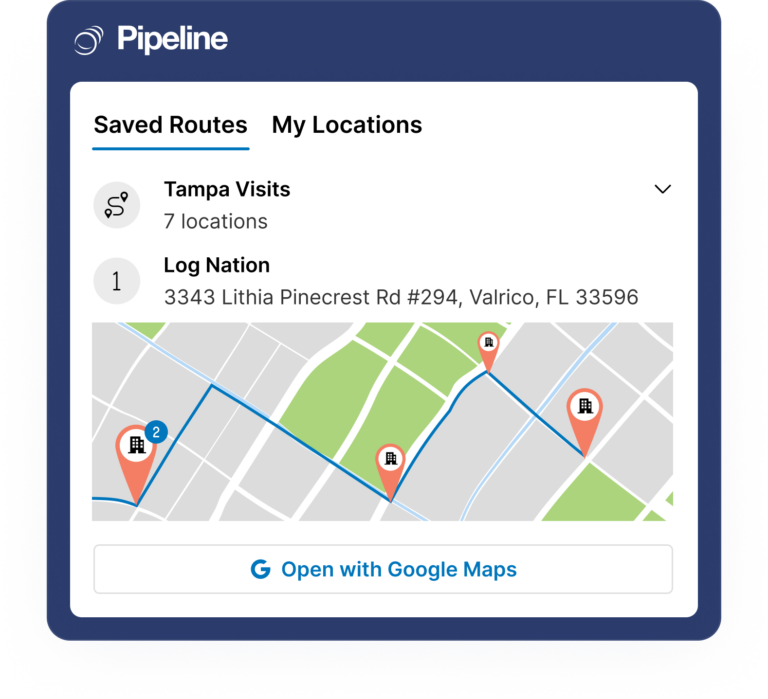
Map views and route planning
See which customers and prospects are near you on a map and plan a route, so a trip downtown becomes three meetings instead of one.
see map views and route planning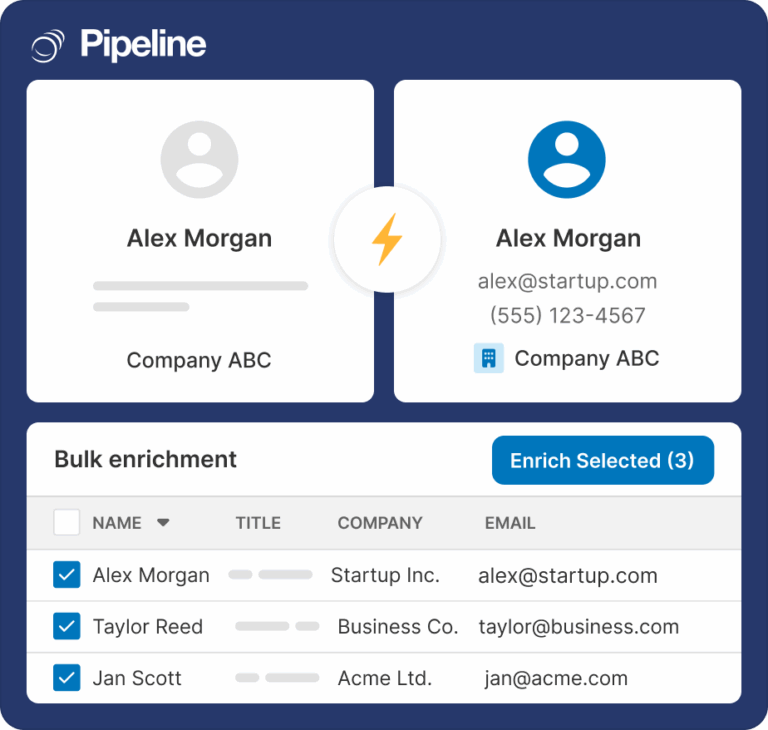
Data enrichment
Fill in missing names, emails and company details on demand instead of switching tools. A premium add-on rather than a plan feature.
read about on-demand data enrichmentAutomation, integrations and setup
The plumbing: work that happens without anyone remembering, the systems you already run, and getting the whole thing live.

Pipeline Copilot (Beta)
Tell Pipeline CRM what you want in plain English and Copilot does the work: pipelines, fields, automations, reports and everyday records.
see how Pipeline Copilot works
Multi-Language
Each person picks the language they work in, on every plan, while the deal and stage names your team typed stay exactly as they were written.
see how multi-language works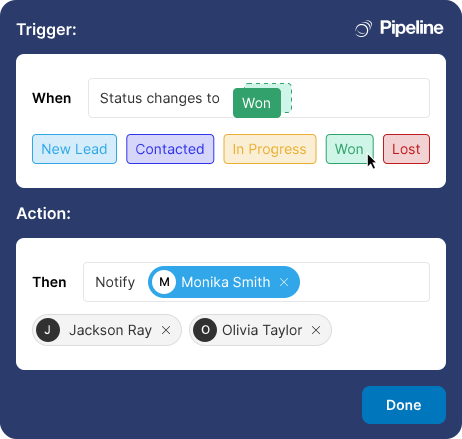
Automations
Trigger tasks, notifications and stage changes on your own rules, so follow-up stops depending on somebody’s memory.
explore CRM automations
Integrations
Native QuickBooks Online, Gmail, Outlook and Mailchimp connections, plus an open API and Zapier for everything else.
browse all CRM integrations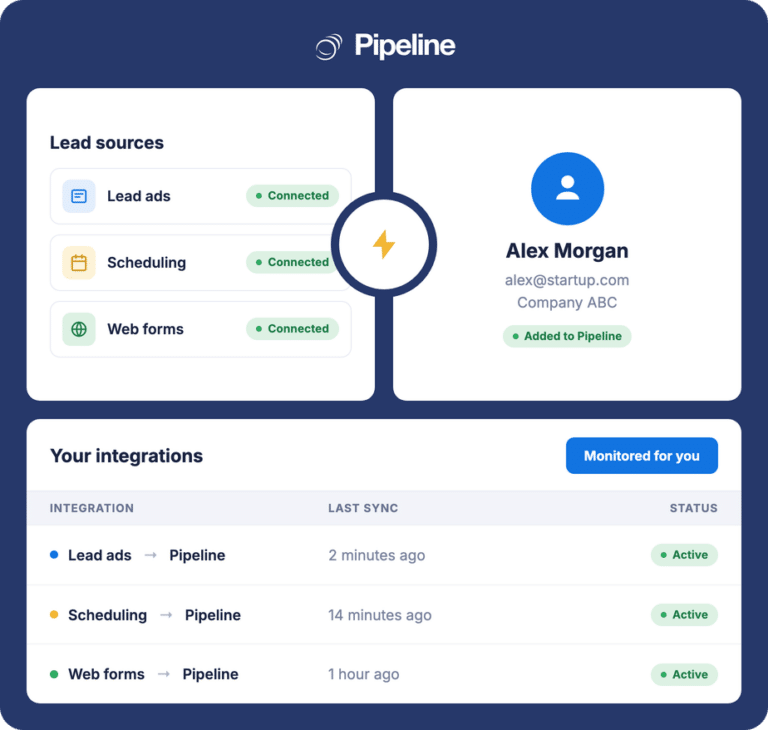
Pipeline Connect
A managed integration service for connections we build and maintain for you, rather than an integration you wire up yourself.
learn about Pipeline Connect
Onboarding services
Guided implementation covering data import, pipeline configuration and team training. Packages start at $750.
see onboarding service optionsLooking for a use case rather than a feature
Features describe what the software does; solution pages describe the job. Start with sales pipeline management, lead management or contract management if you would rather read by outcome, or browse the industry pages to see how the same feature set is configured for your sector.
What is CRM pipeline management?
CRM pipeline management is the practice of tracking every open opportunity through the defined stages of your sales process, so that at any moment you can see what is live, what has stalled, and what is realistically going to close. It is the difference between a list of contacts and a forecast.
In practice it comes down to four things, and a CRM is only useful for pipeline management if it does all four. First, stages that match how you actually sell rather than a vendor’s generic funnel, which means being able to define and rename them yourself. Second, one record per opportunity carrying the detail that decides it, which means custom fields rather than a notes box. Third, visibility into what has gone quiet, because the deals that kill a quarter are the ones nobody noticed had stopped moving. Fourth, a forecast weighted by stage, so the number you report is not just the sum of everything anyone has ever hoped for.
Pipeline CRM is built around exactly that. Deals move across a drag-and-drop board with value and next step on every card. You define your own stages, and you can run several pipelines at once so a long capital sale and a fast repeat order do not average into a forecast nobody trusts. Stalled-deal reporting surfaces anything with no activity for a set period, automations open the follow-up task without anyone remembering, and reporting forecasts by stage with weighted values. That is the whole loop, and every other feature on this page exists to feed it.
Stages you define
Rename, reorder and add pipeline stages to match your real process, and run multiple pipelines side by side for genuinely different kinds of sale.
One record that holds the detail
Unlimited custom fields with conditional logic, so the things that actually decide a deal are structured, filterable data rather than buried in notes.
Nothing goes quiet unnoticed
Stalled-deal reports and stage-based automations turn follow-up from an act of memory into a five-minute morning routine.
A forecast you can defend
Weighted deal values by stage, win rate by source and activity reporting, on shared dashboards so everyone is reading the same number.
Feature and pipeline questions
What features does Pipeline CRM include?
Pipeline CRM includes a visual Kanban pipeline with stages you define, unlimited custom fields, reporting and stage-weighted forecasting, Gmail and Outlook email integration with tracking and templates, automated email campaigns, an AI email assistant, document generation from your own Word templates with Instant Docs, eSignature, lead forms, SuperShare for external collaborators, native iOS and Android apps with a business card scanner, map views and route planning, automations, and integrations including native QuickBooks Online plus an open API and Zapier.
Two things listed on this page are premium add-ons rather than plan features: Data Enrichment and Email Validation. Project Management is available on the Grow plan and up. Everything else above is included on paid plans, which start at $25 per user per month (billed annually). Full tiers are on the pricing page, and there is a 14-day free trial.
What is a CRM pipeline, and what does one look like in practice?
A CRM pipeline is a visual representation of every open opportunity, arranged by the stage it has reached in your sales process. Each deal is a card carrying its value, its owner and its next step; each column is a stage. The point is that you can see the whole book at a glance and spot where it is jammed, rather than reading a list sorted by date.
A typical B2B pipeline runs something like lead, qualified, proposal sent, negotiation, won. But the stages that matter are yours: a contractor might use enquiry, site visit, estimate sent, revision, won, while a distributor might use samples sent, quote issued, first order, ongoing account. Pipeline CRM lets you define and rename stages, and run several pipelines at once, which matters because averaging a twelve-month capital sale into the same pipeline as a two-week repeat order produces a forecast nobody believes.
What is the best CRM for pipeline management?
The honest test is not the feature list, it is whether the pipeline is still accurate in three months. That comes down to three things: whether you can model your own stages and fields rather than bending your process to the software, whether the people doing the selling will actually update it (which usually means the mobile app and how few clicks logging an activity takes), and whether it surfaces stalled deals without anyone running a report on purpose.
Pipeline CRM is a strong fit for B2B teams of roughly 5 to 50 people: custom stages and unlimited custom fields, multiple pipelines, stalled-deal reporting, stage-weighted forecasting, automations, native iOS and Android apps, native QuickBooks Online sync, and US-based live chat on every plan at $25 per user per month (billed annually). It is deliberately a sales CRM rather than a bundled marketing-automation and service-desk suite, which is what keeps it simple enough to stay current.
Can I customise pipeline stages and fields?
Yes, and this is usually the first thing worth doing. You can define, rename and reorder pipeline stages, and create unlimited custom fields on contacts, companies and deals, with conditional logic so a form only asks for what is relevant to that kind of deal. You can also run multiple pipelines in one workspace, each with its own stages, fields and reports.
Custom fields are what turn the CRM from a contact list into something that answers questions: record the two or three things that actually decide your deals and you can filter, report and automate on them. Field caps rise with the plan tier; see the pricing page for the limits, and the customisation page for how stages are configured.
What can be automated in the pipeline?
The useful automations are the ones that replace memory. A stage change can open a follow-up task, notify an owner or manager when a deal crosses a value threshold, and route a new web-form lead to the right person rather than into a shared inbox. Time-based rules cover the other half: a task two days after a proposal goes out, or a flag on any deal with no activity for a set period.
Be clear on the boundary. Pipeline CRM automations act on CRM records, tasks and notifications; there is no AI lead scoring, and it is not a general-purpose workflow engine. For anything crossing into other systems, the open API and Zapier are the route, and the automations page covers what the built-in rules can trigger.
Which features cost extra, and which are included in a plan?
Two features on this page are premium add-ons and are not part of any plan: Data Enrichment, which fills in missing contact and company details on demand, and Email Validation, which checks addresses in real time. Both are priced separately from your subscription. Project Management is included but only on the Grow plan and up. Onboarding Services is a paid service, with packages starting at $750.
Everything else listed above is included on paid plans: the pipeline board, custom stages and fields, reporting, email integration, campaigns, the AI email assistant, Instant Docs, eSignature, lead forms, SuperShare, the mobile apps with business card scanner, map views, automations, and the native QuickBooks Online integration. We would rather set that out plainly here than have you discover it at the point of purchase.
Does Pipeline CRM have a mobile app for field sales?
Yes. Native iOS and Android apps are included on every plan, covering contacts, companies, deals, notes and tasks, plus a business card scanner that turns a card from a site visit or trade show straight into a record with the tag applied. The practical benefit is that a visit note gets written before the drive home rather than at the end of the week, which is the difference between a record that helps next year and one that never existed.
Field teams usually pair it with map views and route planning, which shows which customers and prospects are near you so a single trip becomes several meetings. Note there is no offline mode: the apps need a connection, so if your reps genuinely work without signal that is worth testing during the trial.
How does Pipeline CRM integrate with the tools we already use?
QuickBooks Online is the native integration most customers set up first, syncing customers, invoices and payment status in both directions so won work is not rekeyed into accounting. Gmail and Outlook integration logs email against the right record automatically, and Mailchimp handles campaign and web-form leads. Note the QuickBooks integration is with QuickBooks Online, not QuickBooks Desktop.
Beyond those, there is an open API and Zapier for the systems that do not have a native connector, which covers most ERP, field service and industry-specific platforms. If you would rather not build and maintain a connection yourself, Pipeline Connect is a managed integration service where we build and maintain it for you. The full list is on the integrations page.
How long does it take to get set up, and what support is included?
Most teams are live within one to three weeks. The sequence that works is consistent: import contacts and open deals from a CSV, set up the pipeline stages your work really moves through, add the handful of custom fields that describe your deals, connect accounting and the team’s email, then train everyone in a single one hour session. The standard CSV and Excel import handles most migrations in about three business days.
US-based live chat support is included on every plan, with a 97.6 percent satisfaction rate and a one minute median response. If you would rather hand the implementation over, Onboarding Services covers data import, configuration and training, with packages starting at $750.