
QuickBooks is one of the most popular accounting solutions. It’s affordable, easy to use, and significantly simplifies accounting processes for businesses of various industries and sizes.
The best way to leverage QuickBooks is by integrating it with your CRM software. This allows automatic data synchronization, ensuring accurate data transfer and accelerating the document creation process (e.g., invoices, estimates, quotes, etc.)
We’ll show you the six best CRM for QuickBooks online based on their features, user reviews, and pricing—helping you find the ideal CRM solution with QuickBooks integration.
Why Do You Need a CRM with Quickbooks Integration?
Before we go to the top QuickBooks CRM list, here are a few reasons why you should choose a CRM that supports QuickBooks.
Streamlined Accounting and Payment Processing
CRM QuickBooks integration eliminates the need to switch between different tools. You can access all QuickBooks data from your CRM—and all data changes you make on the CRM are reflected in QuickBooks.
Additionally, the integration enables you to automatically generate invoices by accessing finance information from the accounting software. This makes creating invoices, estimates, and quotes, as well as processing payments much easier.
Data Accuracy Guaranteed
Scattered accounting data on different platforms is not only hard to track but also can be inaccurate. You risk data fragmentation and miss out on important sales insights.
Since the QuickBooks CRM integration will sync all data between QuickBooks and your CRM, there is no chance of manual errors. Having accounting information organized with client data in real-time ensures your team has the most current information ready.
Improved Team Alignment
Sales teams gain valuable insights into accounting information, allowing them to understand the direct revenue impact of their efforts. Simultaneously, the integration of accounting and sales data empowers the CRM to generate more comprehensive financial insights and forecasts. This shared understanding ensures all departments operate with a consistent view of business performance, facilitating better alignment and a clearer path toward achieving sales objectives.
Best 6 Sales CRMs that Integrate with QuickBooks
After considering ease of use, features, pricing, and reviews, we shortlisted these top six sales CRMs that integrate with QuickBooks.
1. Pipeline CRM: the Best CRM for QuickBooks Online
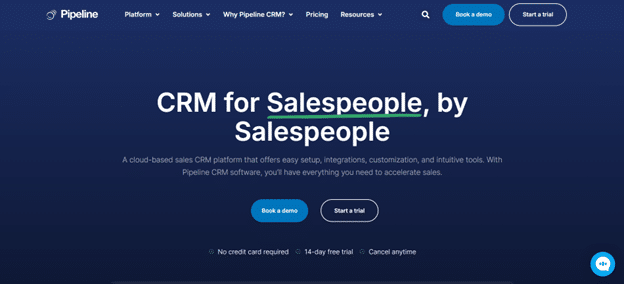
First, we have Pipeline CRM, one of the best CRMs that integrates with QuickBooks.
Thanks to the seamless connection, Pipeline CRM syncs all deal information on QuickBooks in real time, eliminating the need to switch between the two tools. Now you can track your sales processes, manage customer relationships, and handle invoices and revenue—all from a single sales CRM platform.
Tired of creating invoices manually for each client? Pipeline CRM has got your back. You can convert proposals into invoices for more convenience with just a few clicks.
Want to see it in action? Watch this Pipeline CRM and QuickBooks demo video to learn all the details.
Key features:
- Two-way and real-time Pipeline CRM and QuickBooks integration
- Access control for better data security
- Clean and comprehensive dashboard with all relevant information
- Automated task allocation, project scheduling, and recurring deals
- Automated email drip campaigns and built-in AI email assistant
- Customizable data fields to fit your unique business needs
Pros:
- Customizable sales automation processes beyond follow-up reminders
- A reliable CRM mobile app to manage deals on the go
- Flexible access permission for secured collaboration with internal and external teams
- Customizable dashboards allow you to access key sales data quickly. This includes having specific CRM features (Instant Docs), sales KPIs, and agendas.
Pricing:
- Start plan: $25 per user per month
- Develop plan: $33 per user per month
- Grow plan: $49 per user per month
- Enterprise: Custom
Ratings:
- 4/5 star rating on G2 (936 reviews)
- 3/5 star rating on Capterra (624 reviews)
2. Teamgate
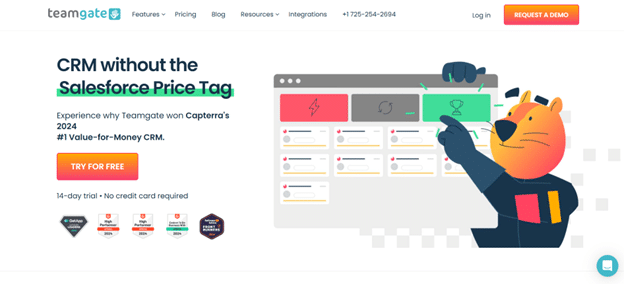
Teamgate is another QuickBooks CRM software. From lead generation to post-sales follow-up, this platform offers impressive features for deal management.
The QuickBooks integration lets you view customer payment histories and send invoices directly from the contact or deal cards on Teamgate. You can sync all client bills to the platform or create new ones.
Key features:
- Contact and invoice import directly from QuickBooks to Teamgate and vice versa
- Invoice generation from Teamgate dashboard
- Sales activity tracking and leaderboard
Pros:
- Direct invoice generation from the deal and contact database
- Real-time insights into sales performance
Cons:
- Some users sometimes deal with bug
- The loading speed can be improved
Pricing:
- Starter: Free
- Team: $39.90 per month per user
- Growth: $59.90 per month per user
Ratings:
- 6/5 star rating on G2 (19 reviews)
- 8/5 star rating on Capterra (155 reviews)
3. Method
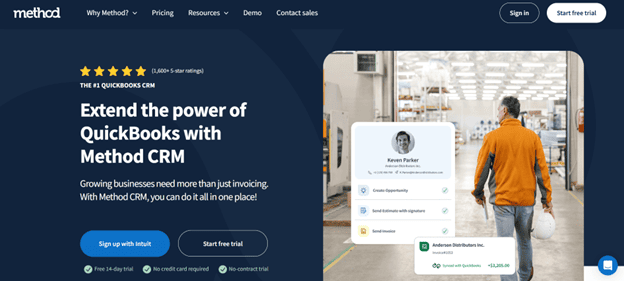
The third QuickBooks CRM on the list is Method. It has a two-way data sync with the accounting software and is ideal for small companies.
The highlight feature of Method is that you can use successful workflows as templates and duplicate them for convenience. You can use the tool to track and nurture sales opportunities. Once the leads convert, you can sync them as customers in your QuickBooks account with one click.
Key features:
- Billable hours tracking and approval for easy invoice generation
- Work order management, job scheduling, and crew dispatching
- Estimate creation on QuickBooks
Pros:
- Lets you add photos, documents, and special instructions to the work order, keeping teams aligned with project requirements
- Fairly customizable features
Cons:
- The interface is not very intuitive for beginners
- Sometimes it does not sync properly with QuickBooks Online
Pricing:
- Contact Management: $25 per user per month
- CRM Pro: $44 per user per month
- CRM Enterprise: $74 per user per month
Ratings:
- 4/5 star ratings on G2 (297 reviews)
- 2/5 star ratings on Capterra (119 reviews)
4. Insightly
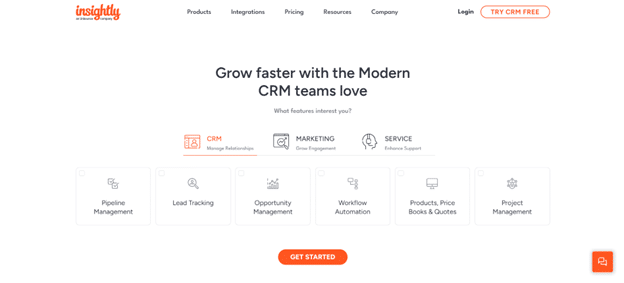
Insightly is another popular CRM for QuickBooks that helps you manage your sales pipeline and process invoices quickly. It lets you access QuickBooks data, such as contact information, sales summary, and accounting information, directly.
Another perk of using Inisightly is that it comes with a lead scoring system, allowing you to focus on closing the leads that matter most to your business.
Key features:
- Quotes generation from opportunity records
- Project tracking from lead acquisition to deal closing
- Sales workflow automation
- Analytics and reporting
Pros:
- Lets you merge variables and workflows
- Identifies risks and human errors through pipeline management and analytics
Cons:
- The price is higher than similar CRM solutions
- The data sync with QuickBooks can be buggy
Pricing:
- Plus: $29 per user per month
- Professional: $49 per user per month
- Enterprise: $99 per user per month
Ratings:
- 2/5 star ratings on G2 (915 reviews)
- 4/5 star ratings on Capterra (660 reviews)
5. GreenRope
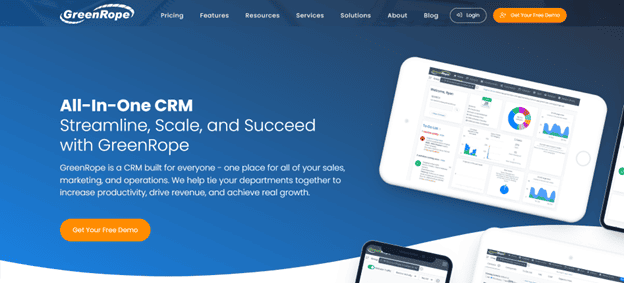
Our list of CRMs that integrate with QuickBooks is incomplete without GreenRope. It has an easy plugin for the desktop version of the accounting software. You can track your sales, generate quotes and invoices, and even sequence customer journeys with this CRM.
Key features:
- Turn QuickBooks customers into contacts on GreenRope
- Import invoices from QuickBooks for an organized view
- Create, customize, and send quotes and invoices directly from the dashboard
Pros:
- Customizable deal stages and sales pipeline pipelines
- Robust customer journey analysis and optimization
- Email templates and media libraries
Cons:
- Installing QuickBooks Desktop is mandatory
- Setting up journey sequencing and CRM customization can be challenging
Pricing:
- Starter: $99 per month
- Essential: $199 per month
- Pro: $299 per month
- Premium: $399 per month
Ratings:
- 3/5 star ratings on G2 (222 reviews)
- 3/5 star ratings on Capterra (155 reviews)
6. Keap
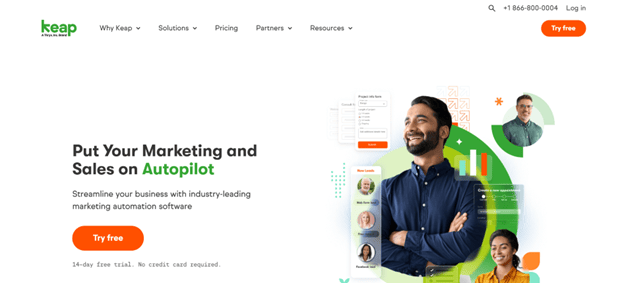
Last but not least, we have Keap, a QuickBooks CRM ideal for small businesses and freelancers. New invoices on QuickBooks get synced automatically to your Keap account. Plus, it offers robust lead management, analytics, and business lines for client communication.
Key features:
- Imports invoices, contacts, and quotes from QuickBooks
- Broadcast, 1:1, and automatic emails
- Dedicated mobile numbers to make calls and send text messages
Pros:
- The learning curve to set up automation and integration can be steep
- The list segmentation feature offers lots of options
Cons:
- Old invoices don’t get synced from QuickBooks Online
- Numbers stored outside the “Phone” field on QuickBooks Online are not imported
Pricing:
- Starts at $249 per month (billed annually)
Ratings:
- 2/5 star ratings on G2 (1516 reviews)
- 1/5 star ratings on Capterra (1292 reviews)
Pipeline CRM Offers the Best CRM QuickBooks Integration
Every QuickBooks CRM we listed here has its strengths and weaknesses. Choosing the right CRM that integrates with QuickBooks depends on the major sales challenges you want to tackle and your business goals.
That said, if you’re looking for an easy-to-use CRM with affordable pricing and powerful sales features, Pipeline CRM should be your first choice.
Pipeline CRM lets you use QuickBooks integration for accounting automation, syncing historical and current finance data, customer info, and even invoices. Our platform supports both the online and desktop versions of the accounting software.
In addition to the streamlined accounting process, you also get robust sales automation, accurate performance tracking and sales forecasting, and rich customization options for your entire sales pipeline.