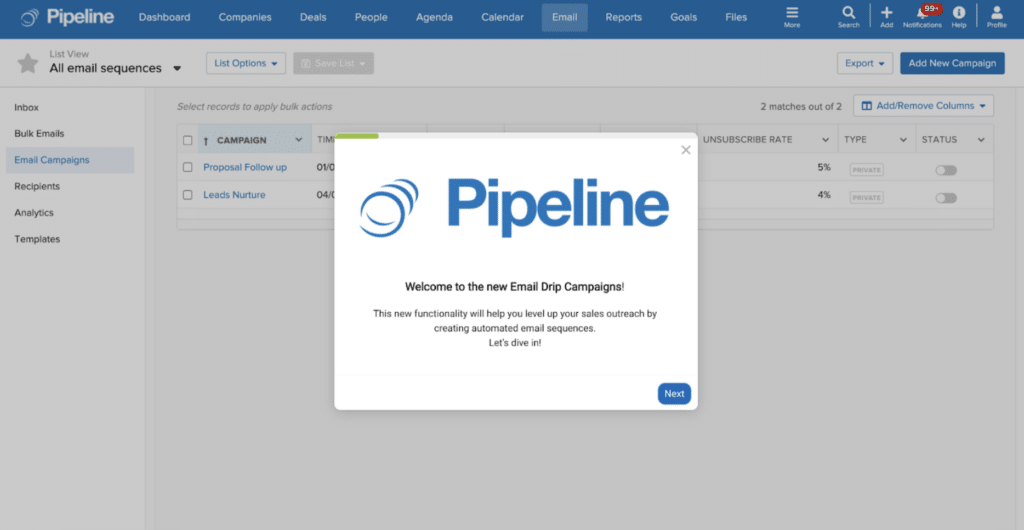
We’re so excited to offer our new email drip campaign functionality to all Grow plan users!
Automated email campaigns or email drip campaigns are not only a powerful sales and marketing tool, but they are a very easy and highly effective way to boost conversions by automating the right message, to the right person at the right time – which is the foundation of successful customer engagement.
Explore this interactive demo to learn more:
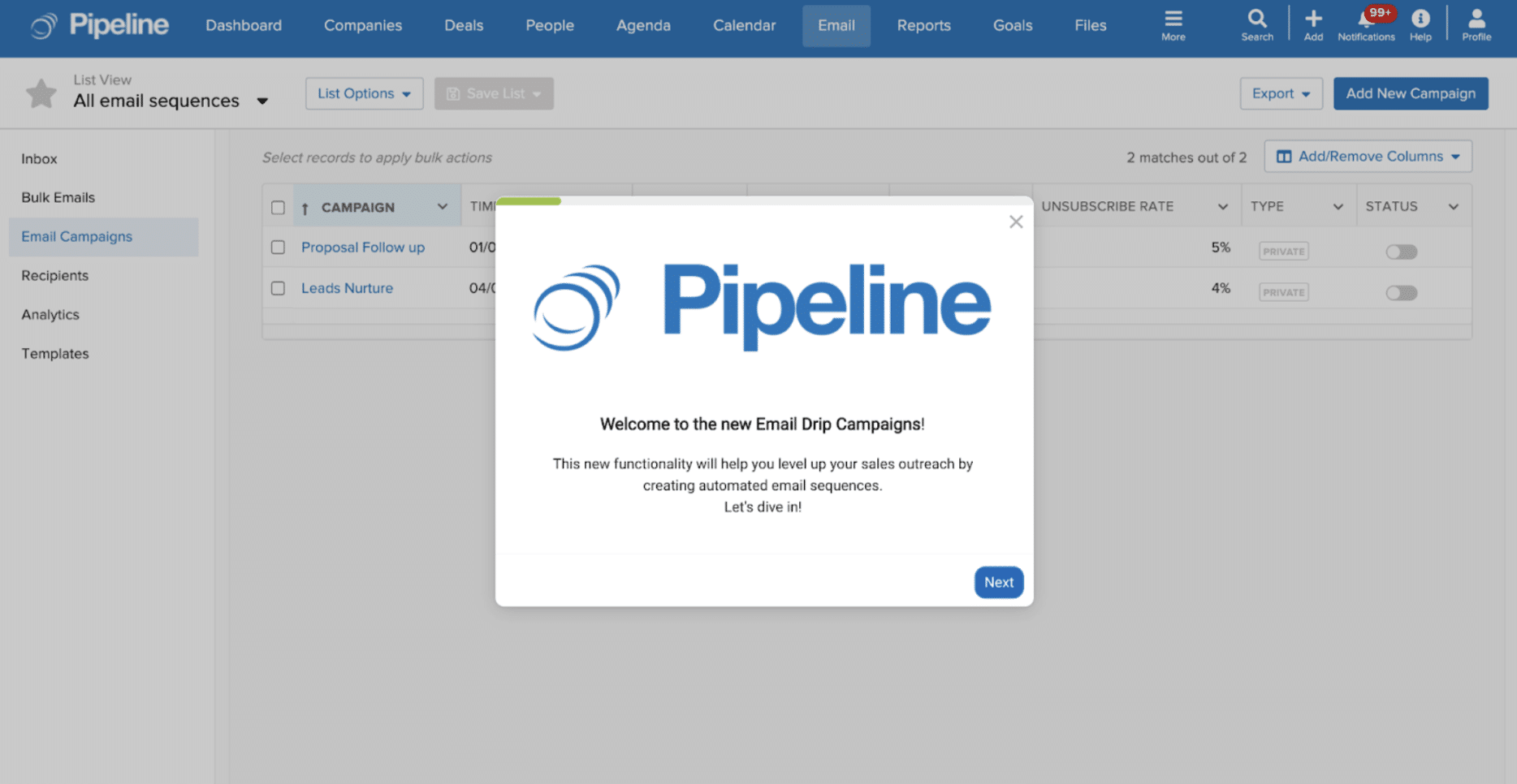
What is an Email Drip Campaign?
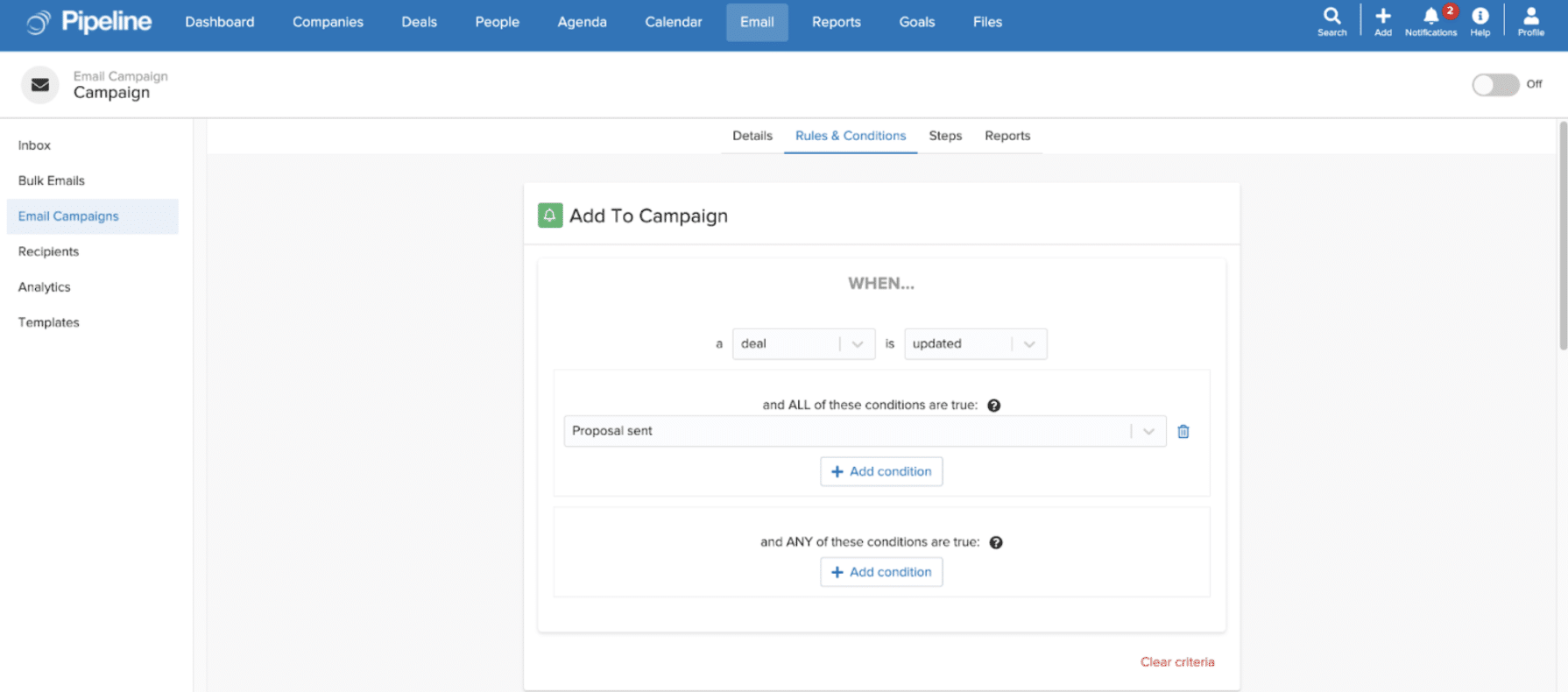
Email drip campaigns are a marketing strategy that enables you to send automated email sequences when certain conditions are met, or actions are triggered. Conditions could be time intervals or actions, such as ‘Deal’ created, ‘Person’ updated, etc.
A drip campaign typically includes a sequence of multiple emails sent in succession, and these emails are prewritten and scheduled in advance. They save time by automating customer engagement and repetitive tasks or processes and are highly effective because they are carefully planned to reach the right people at just the right time.
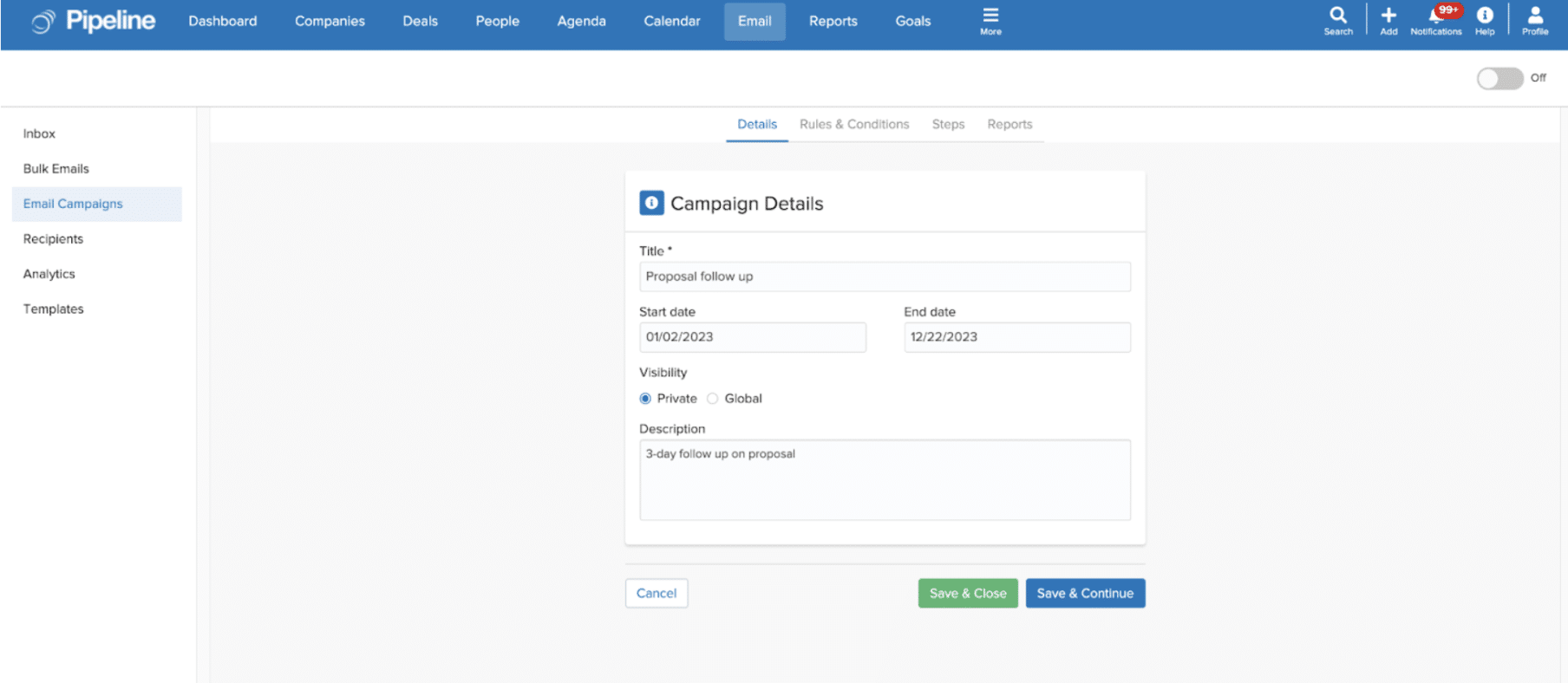
Feature Functionality Highlights
Designed to be flexible. The campaign editor makes it easy to create, edit and customize email drip campaigns based on your audience’s specific needs. Users can set entry and exit criteria for their campaigns, which any existing automation triggers can trigger. This allows for immense flexibility in choosing when a contact should enter the campaign and when they should exit it.
Built-in reporting and analytics. You can view high-level metrics such as sent, open rate, and click rate directly from the campaigns list. For more detailed performance metrics, simply click on the specific campaign name to view details on campaign performance, including ‘Delivered,’ ‘Open Rate,’ ‘Click-Through Rate (CTR),’ and ‘Unsubscribed Rate.’
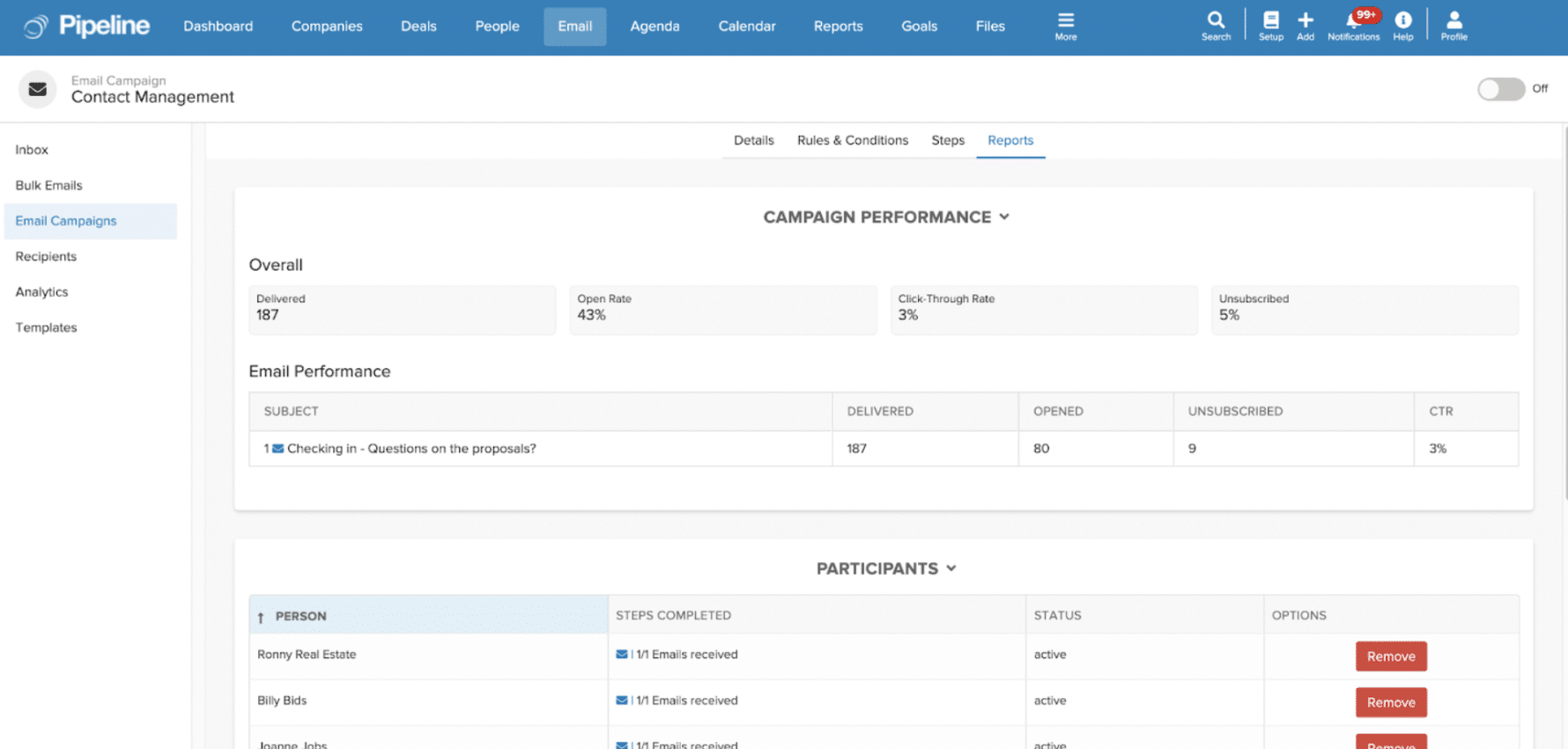
Available to all users with additional admin access. Executive Users can create email drip campaigns for any contacts based on various triggers (such as deal created, person updated, company added, etc.). Basic Users can create and deliver email campaigns to contacts they own if enabled by the admin. Pipeline admins have additional access including management of campaign settings, tracking and syncing and signature types.
Email Campaigns and Bulk Campaigns
Email campaigns are available for Pipeline Grow users and will be automatically updated with the new email drip campaign functionality found under ‘Email Campaigns.’ The original bulk email campaign functionality can now be found under ‘Bulk Emails.’ The fundamental difference between Email Drip Campaigns and Bulk Emails is that email drip campaigns are personalized and bulk emails are not: email drip campaigns enable multiple emails to be sent to a specific target audience when certain conditions are met; bulk emails are one-time emails sent to a specific group immediately.
Read our blog here for valuable information with steps on how to get started, benefits and best practices for success!
Watch the webinar for tips and tricks on Getting Started with Automated Email Campaigns – Pipeline CRM New Feature Enhancement
Get Started with Email Drip Campaigns Today!
The ability to design and execute your own email drip campaigns is only available on our Grow plan. For a 14-day free trial of Grow, please reach out to a member of our Customer Care team at customercare@pipelinecrm.com.
Not yet a Pipeline customer? Sign up for a 14-day free trial of our CRM solution. And while you’re at it, why not book a demo with our Sales team to see first-hand how Pipeline CRM can help you and your team close more deals, faster.