For teams that run sales through Gmail and Google Workspace, choosing the right CRM can make or break productivity. The best Google Workspace CRM software connects email, calendar, deals, and documents so nothing slips through the cracks.
Below, we break down the top CRMs that integrate with Google Workspace—and explain why Pipeline CRM stands out for sales teams that want native Gmail integration, calendar-based lead management, and full pipeline visibility.
Why Smart Sales Teams Choose a CRM with Google Workspace Integration
Google Workspace integration matters because most sales teams work daily in Gmail, Google Calendar, and Google Sheets. Without a connected CRM, sales data becomes fragmented across inboxes, calendars, and spreadsheets—leading to lost emails, missed follow-ups, and incomplete customer records. Google consistently emphasizes that reducing app switching and centralizing workflows improves productivity and accuracy across teams.
A CRM that integrates with Google Workspace automatically syncs Gmail conversations, calendar events, and contacts to customer records. This ensures emails, meetings, and follow-ups are logged without manual work, keeping sales activity accurate and visible across the team. Google Workspace integrations are designed to keep communication and collaboration tools connected in real time.
The best Google Workspace CRM software also supports Google Drive and Google Sheets integration, allowing teams to attach proposals, track deal data, and collaborate on forecasts directly from their CRM. For Google Workspace users, this creates a single system of record where emails, schedules, documents, and sales data stay aligned.
TL;DR The Best CRMs That Integrate with Google Workspace
| CRM | Pipeline | Streak | Monday.com | HubSpot | Zoho |
| Integration Type | Native/Hybrid | Hybrid | Third-party | Native/Hybrid | Native |
| Focus Area | Operational | Operational | Collaborative | Hybrid | Hybrid |
| Price | $29 per mo. | $0 | $12.5 user/mo. | $0 | $20 user/mo. |
| Reviews | 4.4 stars (G2) | 4.4 stars (G2) | 4.6 stars (G2) | 4.4 stars (G2) | 4 stars (G2) |
| Support | Included | – – | Included | $0 – $750+ | Free – 20% |
1. Pipeline CRM: Best CRM for Google Workspace–Driven Sales Teams
Pipeline CRM is the best CRM for teams that rely on Gmail, Google Calendar, Google Sheets, and Google Drive to manage sales. Built for Google Workspace users, it connects email, calendar, and deal data into one system so sales teams can work faster without losing context or missing follow-ups.
With Pipeline CRM, sales reps can work from Gmail or inside the CRM while keeping communication and deal activity aligned. Emails and meetings are automatically logged to the correct lead or deal, giving teams a complete activity history without manual data entry.
Pipeline CRM also integrates smoothly with other Google Workspace apps. For instance, teams often rely on Google Sheets for deal scoring, territory planning, or custom revenue models that require flexible formulas and collaboration beyond what a CRM can handle alone. Google Drive supports proposal sharing, contracts, and pitch decks with real-time collaboration and version control. Pipeline CRM ties these tools back to each deal, keeping sales data, documents, and communication in one connected workflow.
Learn more about Pipeline CRM and Google Workspace integration here.
Why Pipeline CRM Stands Out for Google Workspace Users
- Two-way Gmail email sync automatically logs conversations to leads and deals, keeping inbox and CRM perfectly aligned. Discover how easily you can connect Pipeline CRM to the Google ecosystem.
- Calendar-driven lead management connects Google Calendar meetings with follow-ups, tasks, and deal progress
- Activity tracking logs emails, calls, tasks, and meetings without manual entry
- Deal tracking and sales forecasting provide real-time visibility into pipeline health, deal value, and close probability
- Pipeline CRM works alongside Google Sheets and Drive by centralizing sales context while allowing teams to collaborate, model data, and manage documents where they already work
Pipeline CRM User Ratings on G2
- Ease of Setup: 8.5
- Ease of Use: 8.7
- Quality of Support: 8.6
Pipeline CRM’s Highest Rated G2 Features
- CRM performance and reliability +2% above average
- Contact and account management industry standard
- Opportunity and pipeline management +2% above average
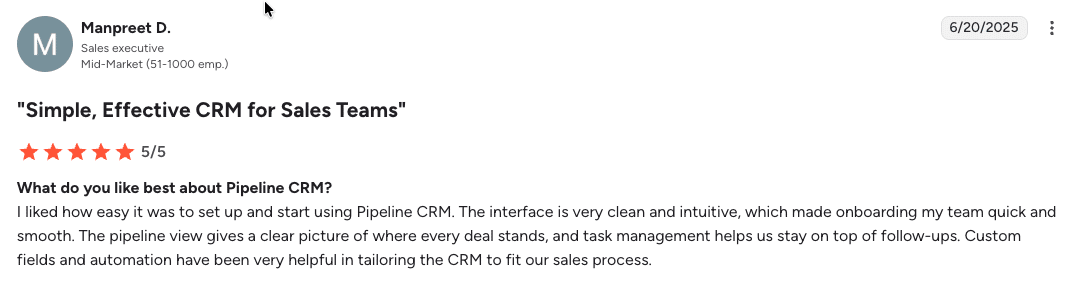
Pipeline CRM Review on G2
Simple, Effective CRM for Sales Teams
What do you like best about Pipeline CRM?
I liked how easy it was to set up and start using Pipeline CRM. The interface is very clean and intuitive, which made onboarding my team quick and smooth. The pipeline view gives a clear picture of where every deal stands, and task management helps us stay on top of follow-ups. Custom fields and automation have been very helpful in tailoring the CRM to fit our sales process.
Pipeline CRM Pricing
- Start: $29 per user/month
- Develop: $39 per user/month
- Grow: $59 per user/month
For teams looking for a CRM that integrates seamlessly with Google Workspace without disrupting existing workflows, Pipeline CRM delivers the best balance of email sync, calendar integration, and sales visibility. Try Pipeline CRM with Google Workspace integration today!
2. Streak CRM: A Unique Google Workspace CRM for Consultants and Small Businesses
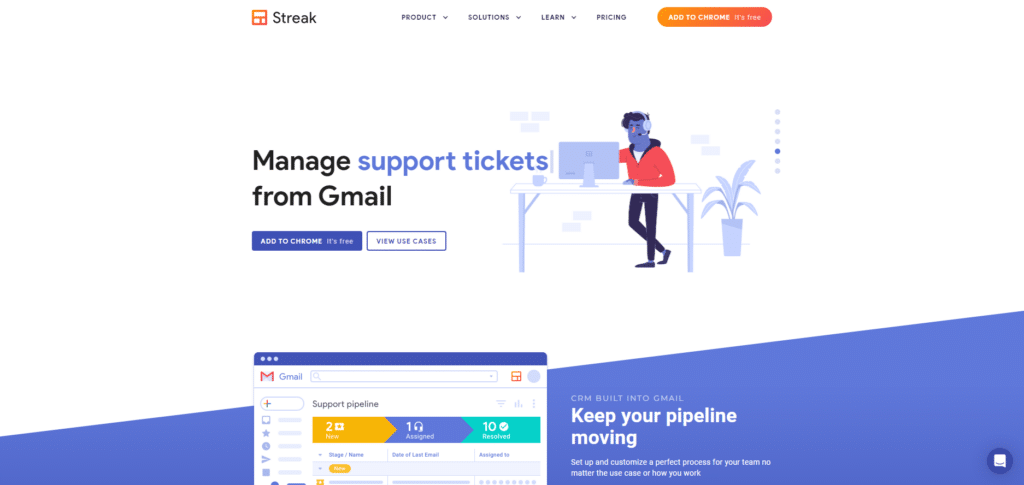
Streak CRM was born out of the frustration of constantly switching between your inbox and external software applications. Their goal is to make it simple to manage your everyday processes so you can get more things done.
Streak’s process is built and oriented around spreadsheets. It’s designed to be easy for customers who are used to using spreadsheet tools like Microsoft Excel or Google Sheets. Their free plugin has resonated with 750K users; many are now paying customers.
Streak CRM Pros
- Streak is built into Google Workspace; this enables users to use core CRM functions without needing to switch from one app or another
- Streak is a CRM, but it functions more like a power-up for Google Workspace, functioning on top of your favorite apps, in Brave, Chrome, or Edge
- Streak is hyper-focused on three niches – real estate, venture capital, and startups
- Streak is a natural fit if Gmail is your entry point for leads and negotiation
- Customers feel the ease of use and application simplicity to shorten their transitional pain, requiring less training while producing higher user adoption rates
- Streak’s free plan is robust and loaded with functionality for individuals and independents
Streak CRM Cons
- Customer support is intermittent to non-existent at times
- Can be difficult to get in touch with customer support or sales
- Several features have been removed without notice (e.g., viewing the email of the person who read your message)
- Updates can have a negative impact on uptime or performance (i.e., customers reply to emails but the email is still marked as unread)
- Customers have complaints about security and the required permissions (see, edit, create, and permanently delete permissions for all apps in Google Workspace)
- As a browser-based application, updates can create problems that affect usability
- Price is high, $600 per user/yr
Streak CRM G2 User Ratings
- Ease of Setup: 9.2
- Ease of Use: 8.8
- Quality of Support: 8.7
Streak CRM Highest Rated G2 Features
- Quote & Order Management +12% above average
- Campaign Management +11% above average
- Call Center Features +10% above average
Streak CRM Lowest Rated Features
- Customization – CRM +2% above average
- Data Import & Export Tools – CRM +2% above average
- User, Role, and Access Mgmt. – CRM Average
Pricing
- Free
- Solo: $15 per user/mo.
- Pro: $49 per user/mo.
- Enterprise: $129
3. Monday.com: Best for Teams Using CRM and Google Workspace to Collaborate
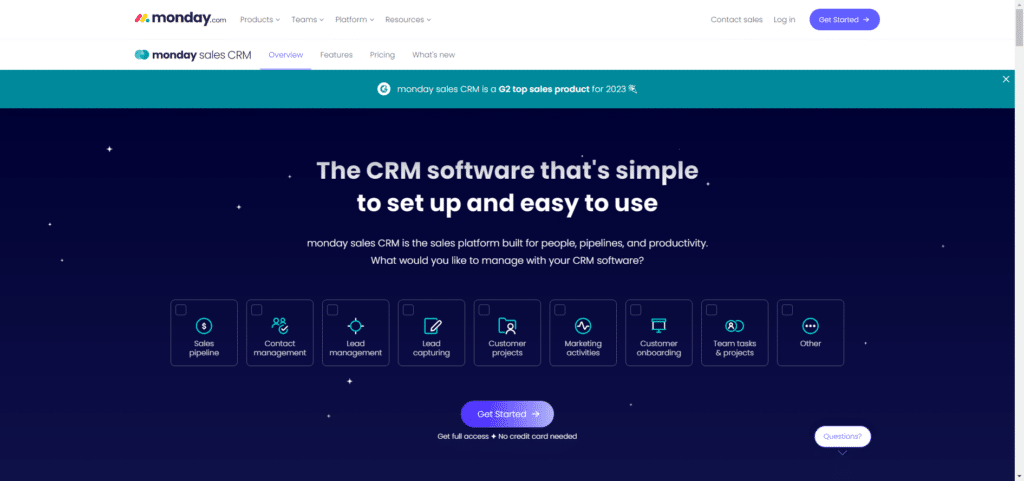
Here’s how Monday.com CRM describes their solution. “Monday.com helps teams work smarter and better, working in sync in one place. Boost your team’s alignment, efficiency, and productivity by customizing any workflow to fit your needs.”
Monday’s CRM integration includes feature presets but is flexible enough to allow some customization.
Monday.com CRM Pros
- Monday.com has a strong email marketing automation process that’s integrated with Workspace
- Monday can be used as a centralized system for each department in your organization
- Can be used for both internal and external communication
- Monday is a customer support, project management, internal communication, and CRM system rolled into one
- Syncs with Google Workspace and can function as a replacement for Google Drive or Google Sheets
Monday.com CRM Cons
- Monday has a steep learning curve that requires education
- As a CRM, Monday is not as flexible as other pure CRM systems
- Customers have performance complaints (i.e., bugs, sluggish load times, lack of customization)
- Integrations functionality is not as robust as other fully featured CRMs
Monday.com G2 User Ratings
- Ease of Setup: 8.5
- Ease of Use: 9.0
- Quality of Support: 8.7
Highest Rated G2 Features
- Social collaboration features +12% above average
- Customer support portal +6% above average
- Knowledge base +6% above average
Lowest Rated Features
- Call center features -6% below average
- CRM mobile user support -2% below average
- Quote and order management -3% below average
Pricing
- Basic: $12.5 per user/mo.
- Standard: $17 per user/mo.
- Pro: $30 per user/mo.
- Enterprise: Call for quote
4. HubSpot: Best for Teams with an Established Process using Google Workspace
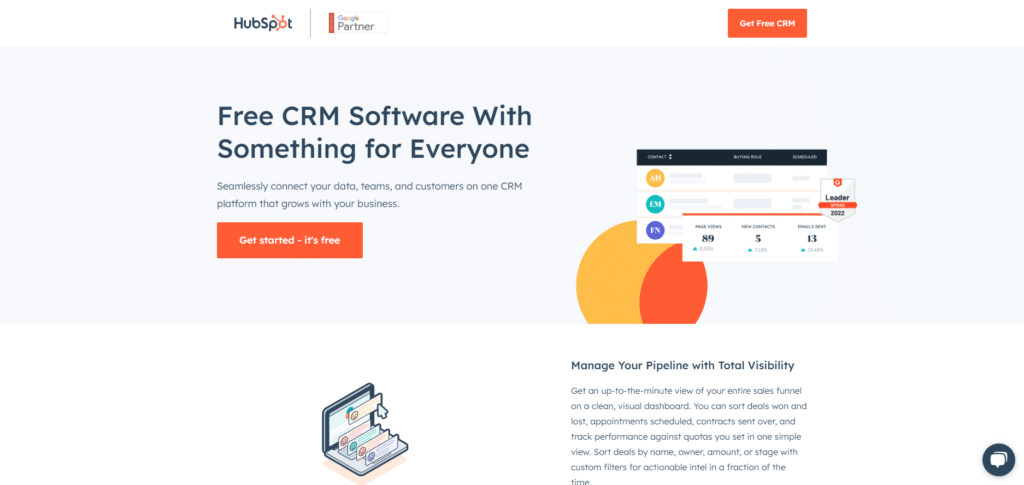
HubSpot CRM is a stripped-down version of their Sales Hub platform. Their CRM and Sales Hub products are designed to keep you in Google Workspace so you spend more time working with the tools you are already using. “HubSpot syncs seamlessly with Gmail. Log emails sent from Gmail into HubSpot with one click, track opens and clicks in real-time, and see every detail from your CRM without leaving your inbox.”
HubSpot, like Streak, is designed to integrate with Workspace in a way that keeps users in Workspace (as much as possible, anyway).
HubSpot Pros
- HubSpot CRM is free forever
- Their CRM works well for solopreneurs or small micro businesses that are just getting started
- HubSpot’s CRM allows you to work with up to 1 million contacts without ever paying a cent
- HubSpot’s platform has a reputation (according to customers) as a tool that’s easy-to-setup and easy-to-use
- Their free CRM is fully featured and mature.
HubSpot Cons
- Customers are locked into long-term contracts that are difficult to break
- Users can’t tag an email from Gmail and attach it to a contact/company/deal retroactively
- “Lists are somewhat useless in workflows since they’re stuck in that workflow even if they’re no longer active in the list.”
- Their CRM software lacks the features of a mature CRM system. This is by design to encourage customers to upgrade to their Sales Hub product.
- HubSpot’s Sales Hub software is incredibly expensive (see below)
- HubSpot’s free CRM doesn’t come with support. If you need help from a customer support specialist, you’ll need to upgrade to a paid plan
Hubspot G2 User Ratings
- Ease of Setup: 9.1
- Ease of Use: 8.7
- Quality of Support: 8.2
Highest Rated G2 Features
- Email Marketing +5% above average
- Lead Management +1% above average
- Contact & Account Management Average
Lowest Rated Features
- Mobile User Support – CRM -3% below average
- Sandbox / Test Environments – CRM -2% below average
- Territory & Quota Management -3% below average
Pricing
- Free forever CRM (up to 1 million contacts)
- Starter: $30 per mo. for 2 users); capped at 1,000 contacts
- Professional: $1,600 per mo. for 5 users, $100 per month for each additional user; capped at 2,000 contacts
- Enterprise: $5,000 per mo. for 10 users, $120 per month for each additional user; capped at 10,000 contacts
See how Pipeline CRM compares to HubSpot CRM.
5. Zoho CRM: Best for Businesses that Need Workspace and an All-In-One Solution
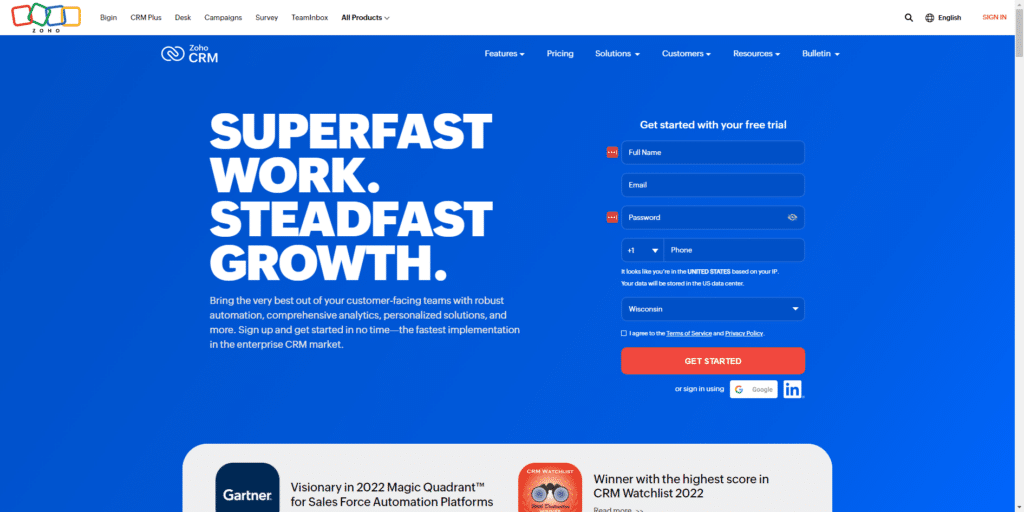
Zoho CRM integrates with Google Workspace, bringing all of your emails, files, events, and tasks together in a centralized system. Zoho’s platform is a massive ecosystem of “Zoho apps” that are designed to work together. According to Zoho, their integration with Google Workspace is seamless and full-featured.
Zoho CRM Pros
- Attach documents from Google Drive
- Export events to Google Calendar
- Import all of your contacts from Google Contacts. Keep them updated automatically
- Synchronize Gmail messages with your CRM
- Automatically add leads from Google Ads when visitors convert on your website
- With Zoho CRM and Google Calendar, you can sync dates and events seamlessly
- Access documents inside Google Drive via Zoho without needing to sign in
- Create forms in Zoho CRM, then publish them via Google Sites
- Manage your tasks inside Zoho
Zoho CRM Cons
- Zoho’s app ecosystem relies primarily on tools created and managed by Zoho
- Zoho makes it easy to work with your Workspace data, inside Zoho. Not the other way around
- Zoho has 80+ apps in their ecosystem and they want you to run your business on their platform; the downside is that many of these apps compete with Google Workspace directly. “Run your entire business on Zoho with our unified cloud software, designed to help you break down silos between departments and increase organizational efficiency.”
- There are more than 1500 ready-to-use extensions across 40+ categories. The problem is there’s a significant amount of overlap and duplicates in their marketplace.
- Apps in Zoho’s marketplace are designed to extend the performance of Zoho’s core applications and Google Workplace. Many of these apps require additional payment for tasks Zoho should already be doing.
Zoho G2 User Ratings
- Ease of Setup: 7.7
- Ease of Use: 8.2
- Quality of Support: 7.5
Highest Rated G2 Features
- Contact and account management – 2% below average
- User, role, and access management – 4% below average
- Performance and reliability – 4% below average
Lowest Rated Features
- Sandbox, test environments – 4% below average
- Call center features – 5% below average
- Territory and quota management – 4% below average
Pricing
- Free: $0
- Standard: $14 per user/mo.
- Professional: $23 per user/mo.
- Enterprise: $40 per user/mo.
Is your CRM actually built for Google Workspace? Download the checklist →
Pipeline CRM is the Best CRM That Integrates With Google Workspace
Not all CRMs integrate with Google Workspace in the same way. Some focus on surface-level email connections, while others require workarounds or third-party tools. For sales teams that live in Gmail, rely on Google Calendar for follow-ups, and collaborate in Sheets and Drive, choosing a CRM that fits naturally into Google Workspace is critical.
Pipeline CRM stands out by connecting email, calendar, deals, and sales activity into one system without disrupting how teams already work. If you’re looking for a CRM that integrates seamlessly with Google Workspace and gives you full visibility into your sales pipeline, Pipeline CRM is built for that exact use case.
Try Pipeline CRM with Google Workspace integration today and see how much simpler sales management can be when your CRM works where your team already does.
FAQs – Best CRM Software with Google Apps Integration
What Is the Best CRM That Integrates With Google Workspace?
The best CRM that integrates with Google Workspace is Pipeline CRM because it offers native Gmail email sync, calendar-based lead management, and seamless alignment with Google Sheets and Google Drive—without forcing teams to change how they already work in Google apps.
Is HubSpot CRM Better Than Pipeline CRM for Google Workspace Users?
HubSpot CRM is better for teams looking for a free entry-level CRM, while Pipeline CRM is better for Google Workspace users who need deeper Gmail and calendar integration, full activity tracking, and clearer pipeline visibility. Pipeline CRM works more naturally alongside Gmail, Sheets, and Drive without pushing users into a separate ecosystem.
Can I Use Google Sheets as a CRM?
Yes, you can use Google Sheets as a CRM by manually tracking leads, deals, and contacts. Many teams start with a sales CRM spreadsheet template, but spreadsheets lack automation, email logging, reminders, and real-time pipeline visibility as sales activity grows.
What’s the Best CRM for Teams Moving From Google Sheets?
The best CRM for teams moving from Google Sheets is Pipeline CRM because it preserves spreadsheet-style flexibility while adding automation, email and calendar sync, activity tracking, and sales forecasting.